

Set up platform time zone
Set the time zone for your SessionM account so that campaign runtimes display correctly in the Campaigns module.
Within the SessionM platform, you can set the time zone for your account. Knowing and adjusting (if needed) the time zone of your account is important, especially when it comes to setting up campaigns in the Campaigns module. When you create a campaign, you have to define your runtime, which displays based on the time zone of the user creating the campaign.
Steps
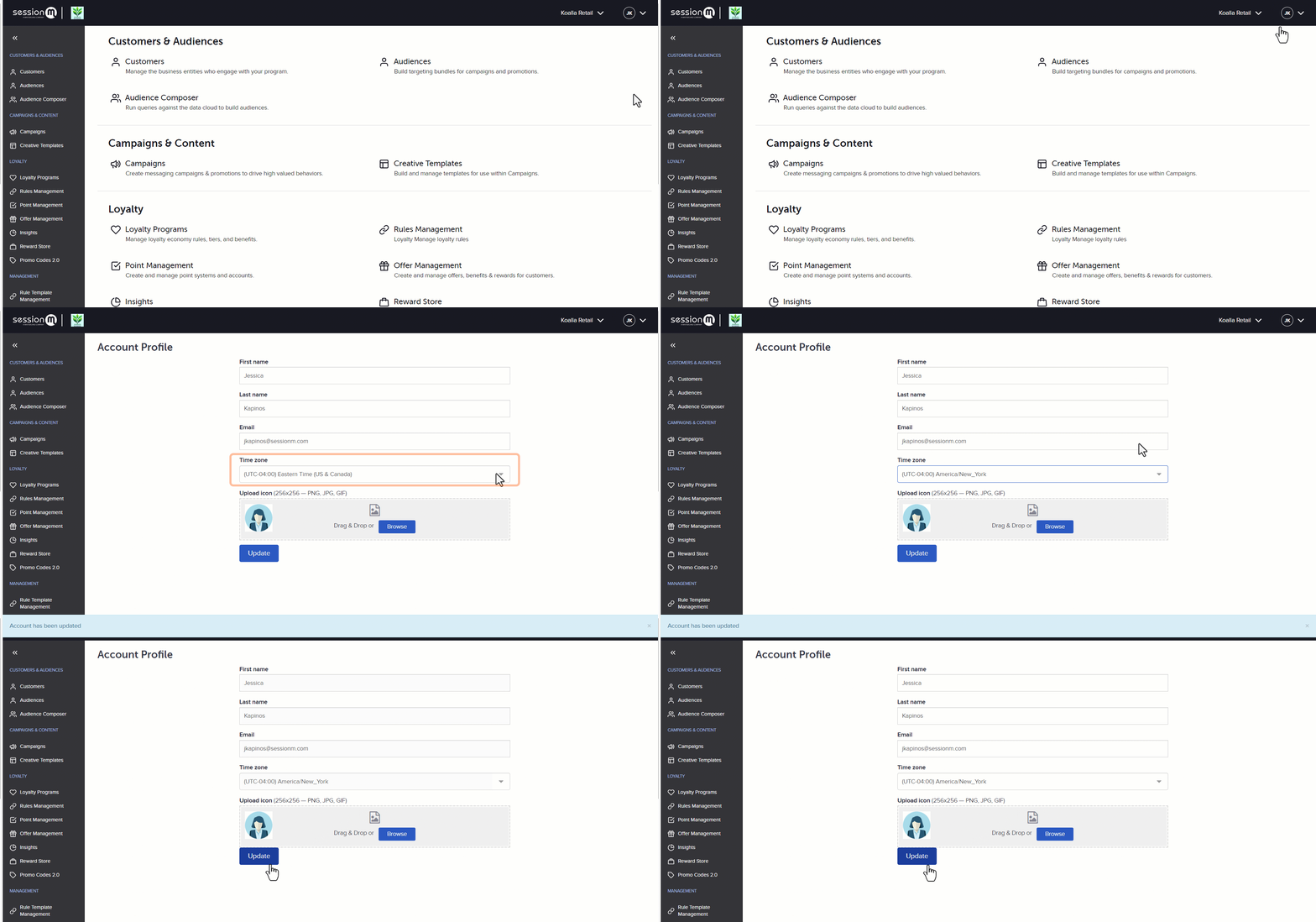
- Click on your initials in the upper-right corner of your account and select Account Profile.
- On the Account Profile page, select your desired time zone from the Time Zone dropdown.
- Click Update.
Was this page helpful?