

Create and name your audience
Create a new audience from the All Audiences view and give it a unique name on the Audience Builder page.
- From the All Audiences view in the Audiences module, click Create Audience in the top right corner of the page.
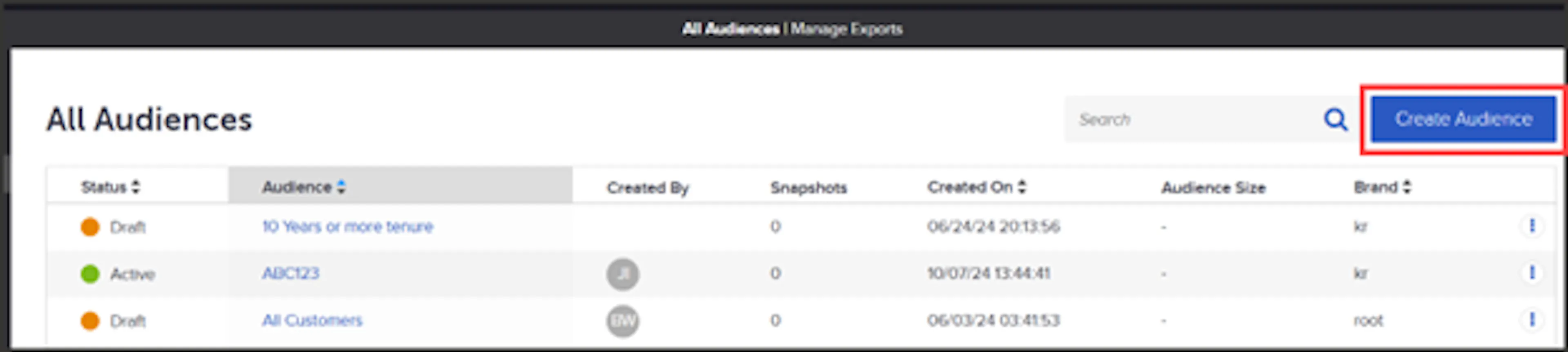
All Audiences view with the Create Audience button in the top right corner - In the pop-up, provide the audience with a unique name, click create, and you'll be brought to the Audience Builder page.
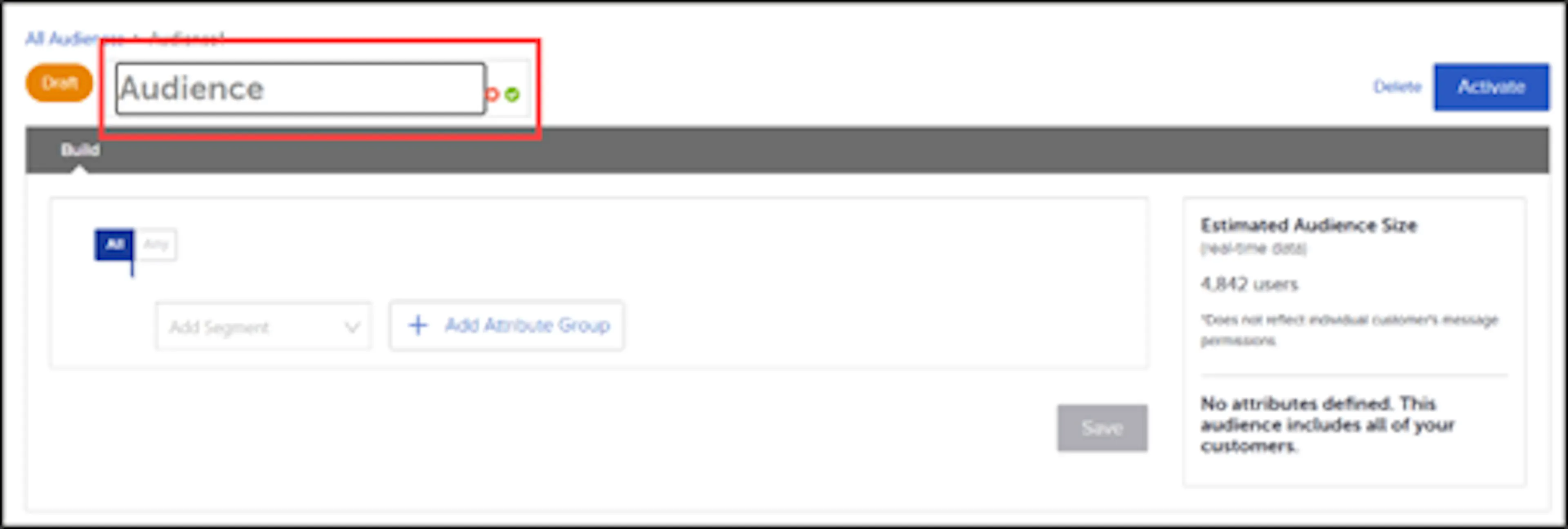
Note: You can always change the name of the audience if needed by editing it at the top of the Audience Builder page and clicking the green checkmark.
Was this page helpful?