

View audience size
View how an audience's size has changed over time on the Details tab, from its activation date through the last processed date.
View changes in your audience size since the audience was originally created until now.
About this task
The Details tab can be found in an active audience and shows changes in an audience's size over time. By default, the Details tab presents a range of data points from the audience's activation date through the date its data was last processed.
Steps
-
From the All Audiences view of the dashoard, select the desired audience to display the Details tab, as follows:
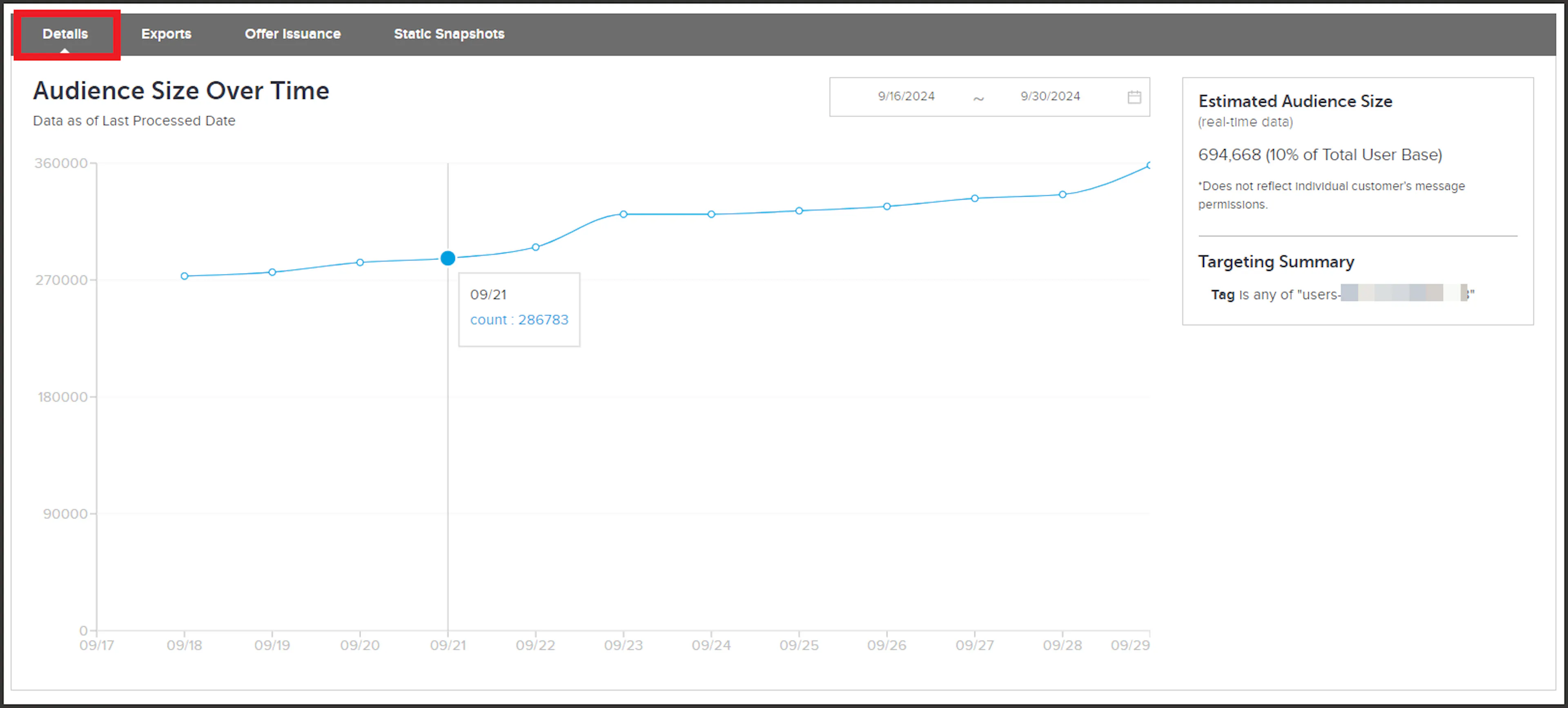
Details tab showing changes in audience size over time -
Hover over a data point to see the date it is referencing and the number of users that were in the audience on that date.
-
If desired, use the date picker to adjust the range of dates displaying in the graph.