

Duplicate Composer audience
Duplicate a Composer audience from the Audiences view and save the copy as a new draft.
Duplicate a Composer audience.
Steps
-
From the Audiences view of the dashboard, click the quick action button in the table row that contains the audience that you want to duplicate, and then select Duplicate.
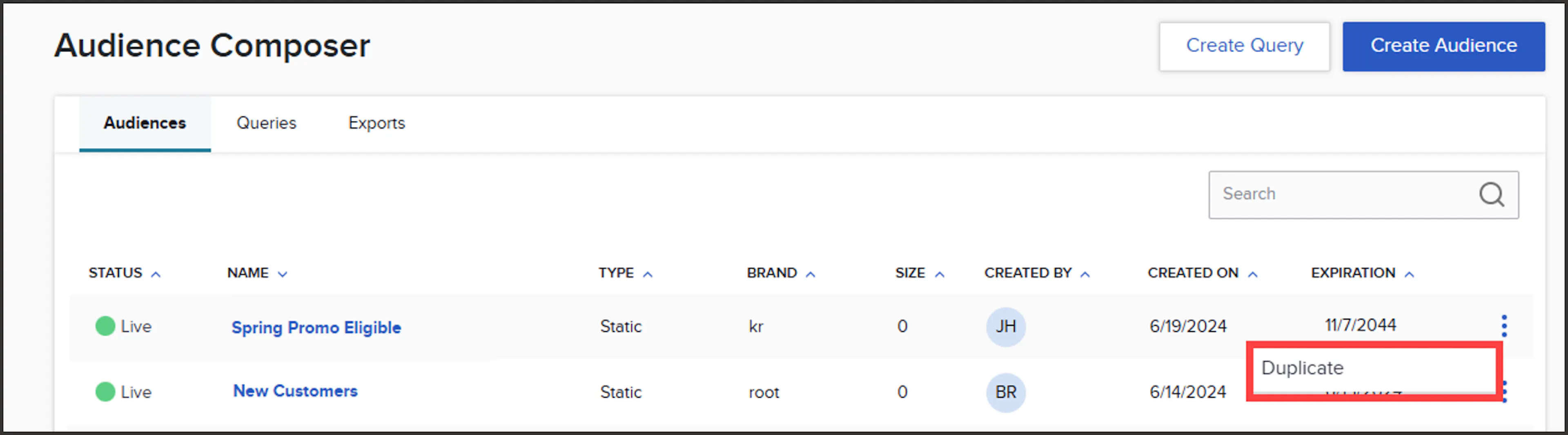
Quick action menu on a Composer audience row with Duplicate selected -
This directs you to the builder page of the duplicated audience, which is in a draft state. You can verify it is the duplicate as it has 'Copy' appended to its name. Modify the name if desired by clicking the pencil icon next to the audience name.
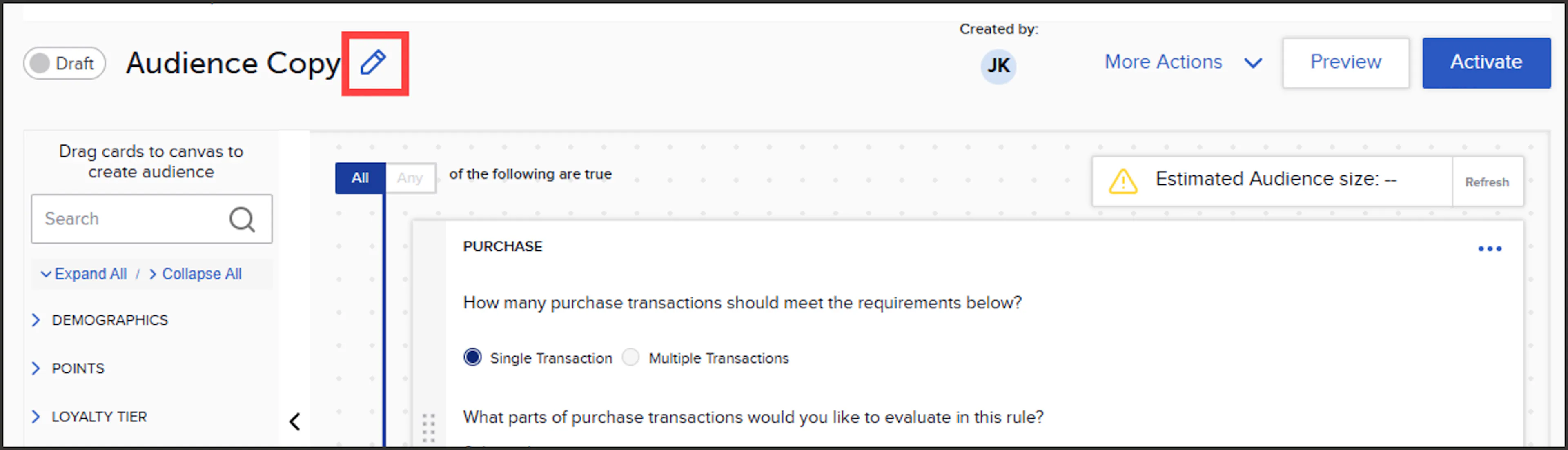
Renaming the duplicated audience on the builder page -
Remember to Save any changes you've made to the name and/or the attribute cards by clicking 'Save' under the 'More Actions' dropdown.
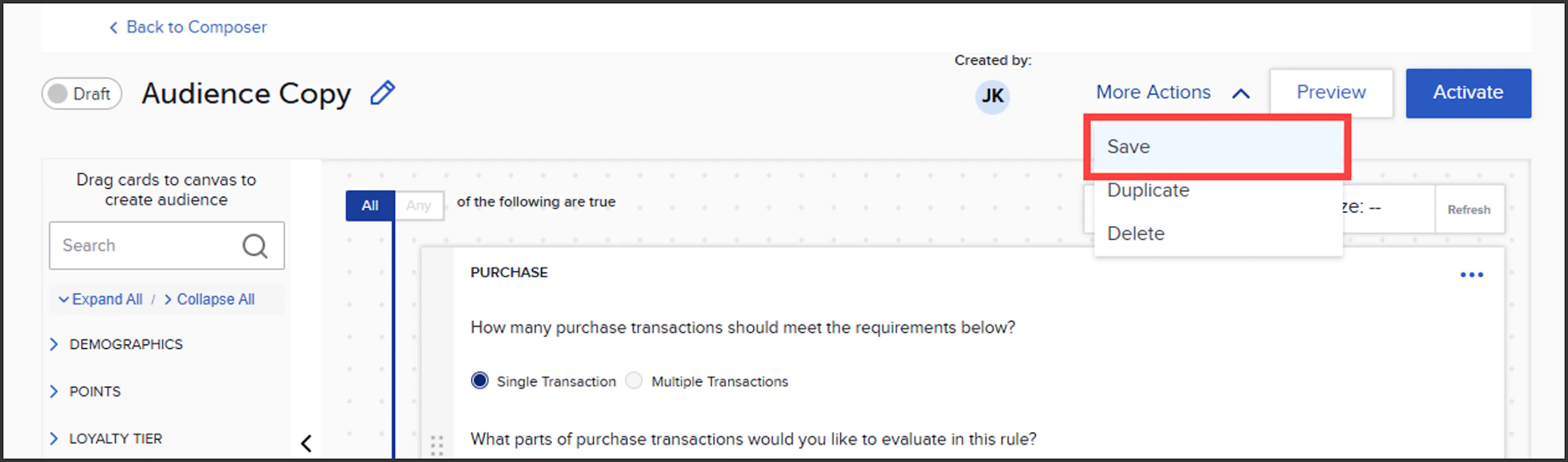
Save option under the More Actions dropdown
The duplicate audience will now display in the Audiences table in a draft state until you are ready to activate.