

Configure messaging providers
Add and configure messaging providers to manage email, push notification and SMS messages from the Messaging Providers module.
Message providers can be added and configured to manage email, push notification, and SMS messages. The Messaging Providers Module allows you to add providers conveniently by presenting a specific UI modal for each one. This ensures that the appropriate data gets entered into a set of fields that are specific to the provider being defined.
About this task
Organizations can configure and maintain an assortment of messaging providers, each with its own set of message templates. Ideally, one instance of each provider should be sufficient, while a variety of associated templates address different message audiences and campaigns.
Steps
-
On the Admin & Rights 2.0 dashboard, under Platform Configurations, click Messaging Providers. The Messaging Providers page opens, displaying a table of messaging providers.
-
Click Add Provider to open the Select Provider modal.
-
From either the Standard or the Integrations/Webhooks tab, click the type of provider you want to add. The New Provider modal opens displaying the provider type in its banner along with the provider's related fields. The SessionM Platform offers several types of providers, each with its own unique set of fields; the image below is showing the fields for an instance of a Twilio message provider:
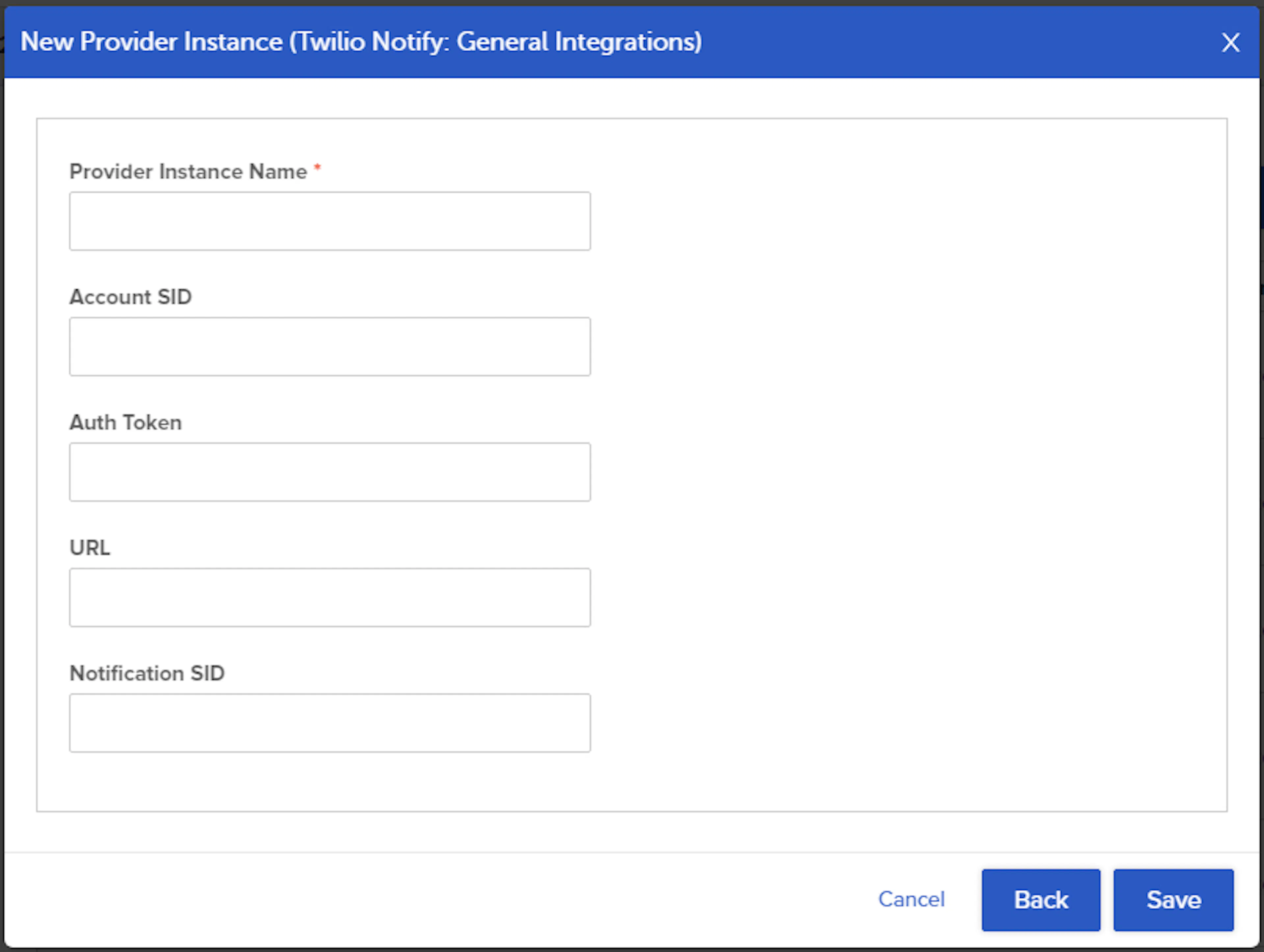
New Provider modal showing the fields for a Twilio message provider -
Specify values in the provider fields and then click Save.
The new provider is configured and appears at the top of the table.